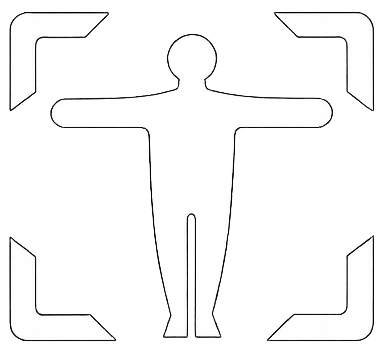
How to measure your body in 60 seconds.
No measuring tape. No tailor visit. Just two smartphone photos and KORRA's AI does the rest. Here's exactly how it works.
Take two photos
Take guided front and side photos using your smartphone.
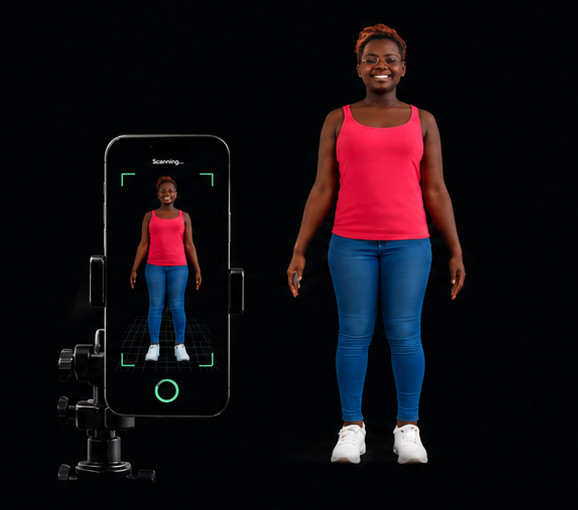
KORRA analyzes them
The AI analyzes your images.
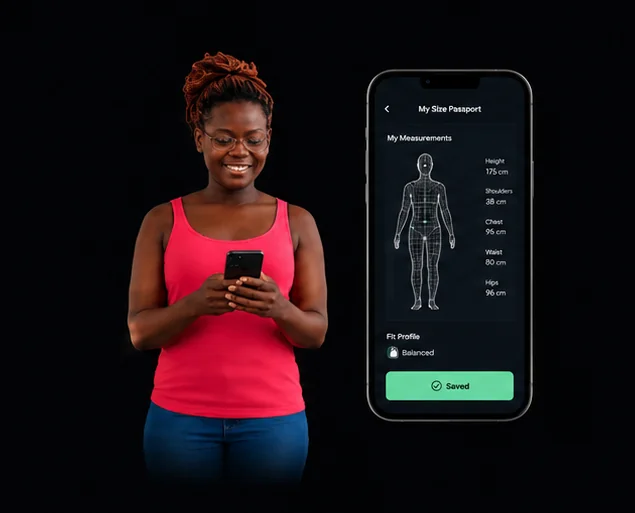
Get measurements
KORRA creates 85+ body parameters.

Create a fit profile
Your measurements become a reusable digital profile.
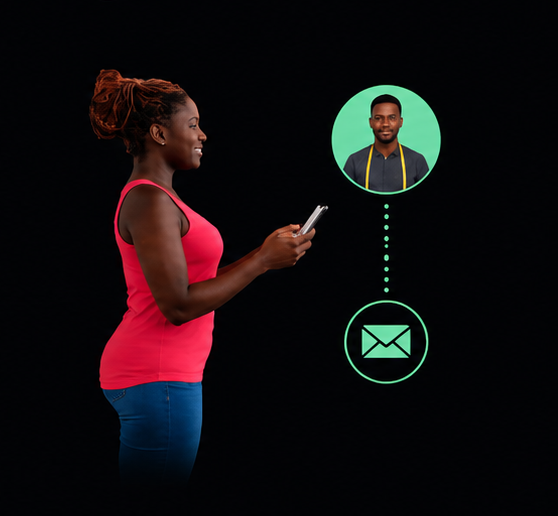
Use it where needed
- Send to a tailor
- Get clothing size recommendations
- Try on clothes virtually
- Use for e-commerce
Your complete measurement set.
KORRA extracts measurements across every part of your body, organized by category. Here's a preview of what's included.
Torso
- Chest / Bust Round
- Waist Round
- Stomach Round
- Hip Round
- Upper Hip
- Neck Round
- Back Waist Length
- Front Waist Length
- Half Length
- Neck to Waist
Arms & Shoulders
- Shoulder Width
- Across Back
- Across Chest
- Across Shoulder
- Sleeve Length
- Bicep Round
- Elbow Round
- Wrist Round
- Armhole Round
Legs
- Inseam
- Outseam / Trouser Length
- Thigh Round
- Knee Round
- Calf Round
- Ankle Round
- Crotch Depth
- Waist to Hip
Get the most accurate measurements.
Follow these guidelines to ensure KORRA captures your measurements as accurately as possible.
Wear Fitted Clothing
Thin, form-fitting clothes like a tank top and leggings give the AI a clearer view of your body contours. Avoid bulky jackets or layered outfits.
Use Good Lighting
Natural daylight works best. Stand in a well-lit room or outdoors in open shade. Avoid harsh shadows or backlit conditions.
Stand Naturally
Don't suck in your stomach or flex. Stand in your normal relaxed posture — this is the body your clothes need to fit.
Right Camera Distance
Place your phone about 2–3 meters (6–10 feet) away. The on-screen guide will show you the ideal distance and framing for each photo.